Social media safe-zone overlays for video editing
Free download for non-commercial use

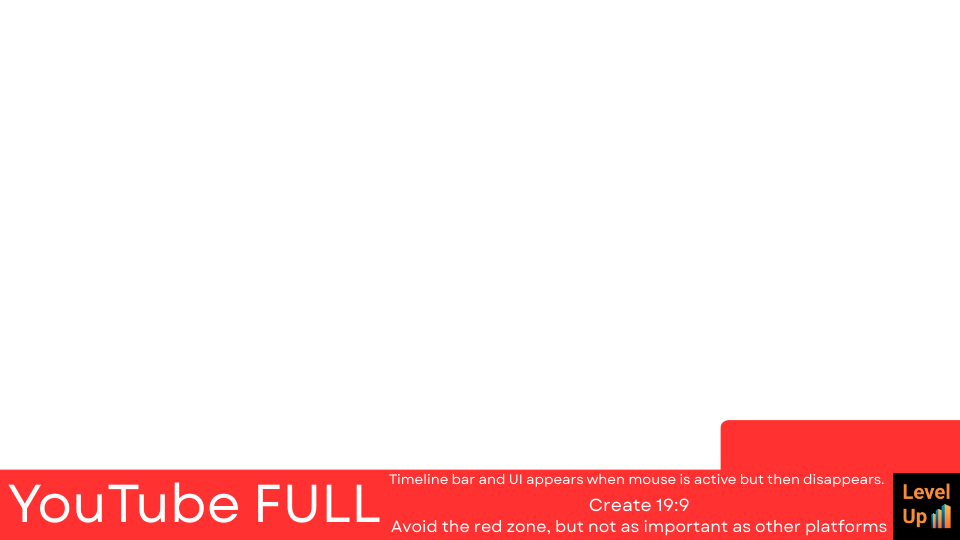
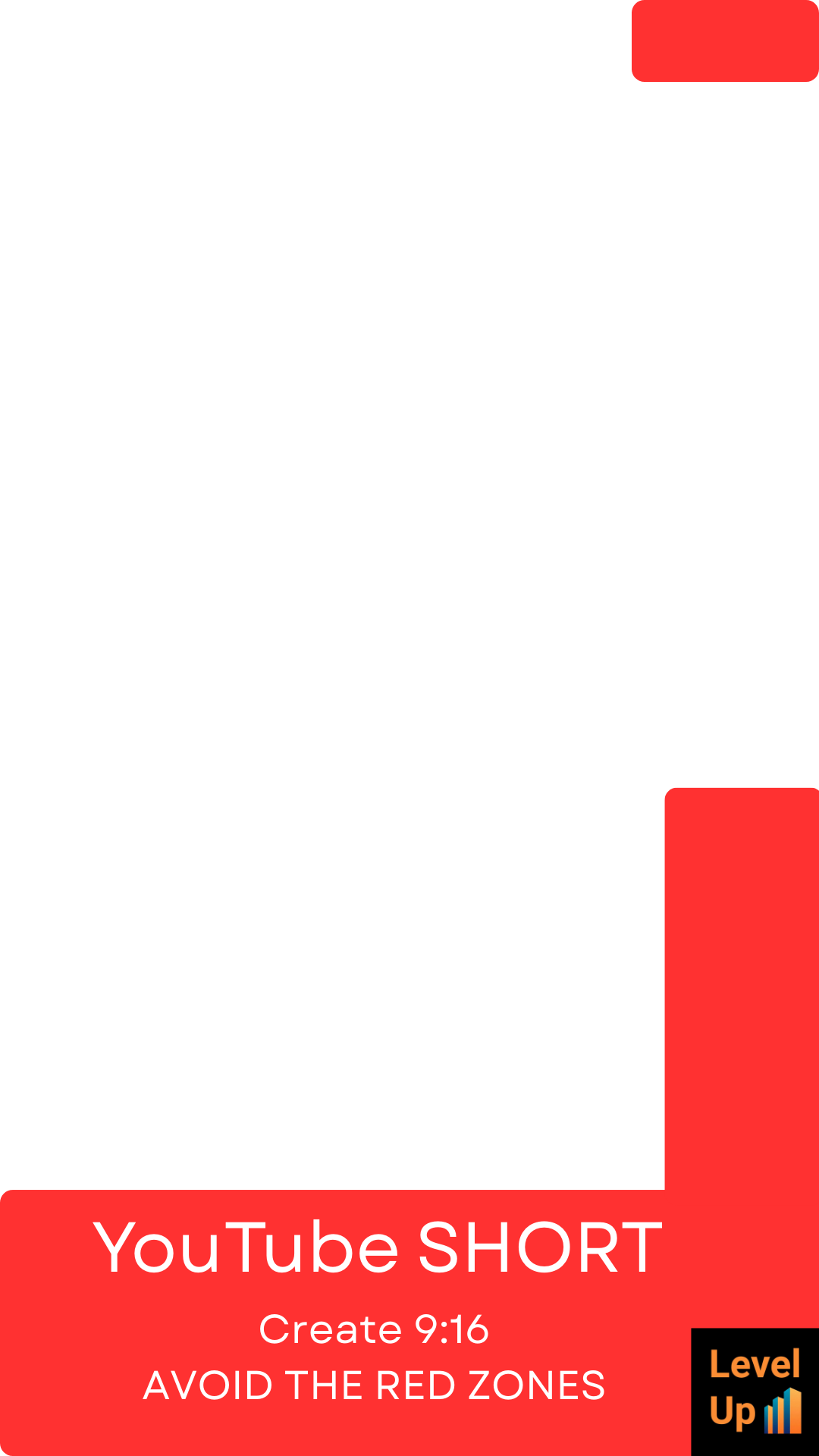
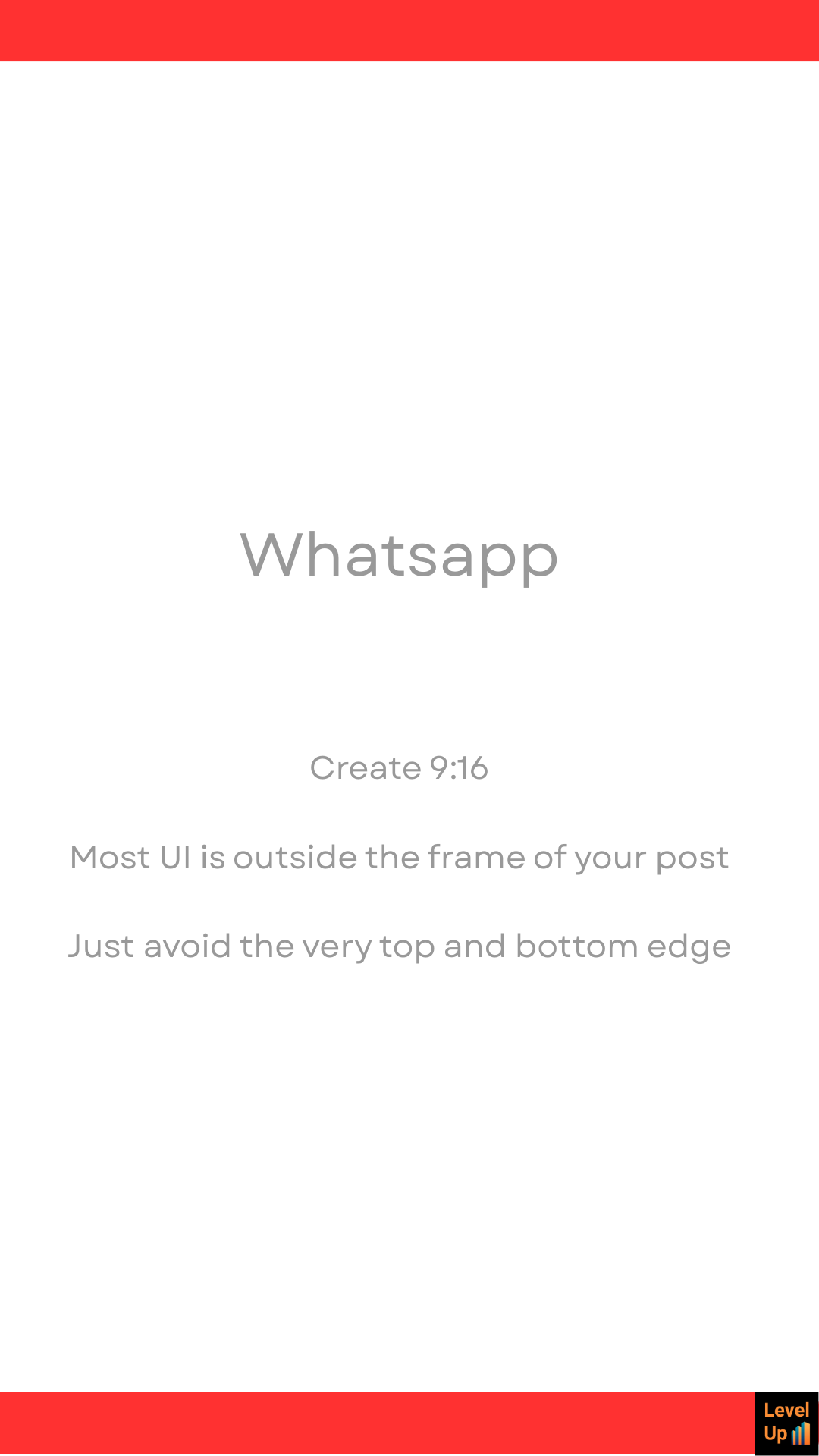
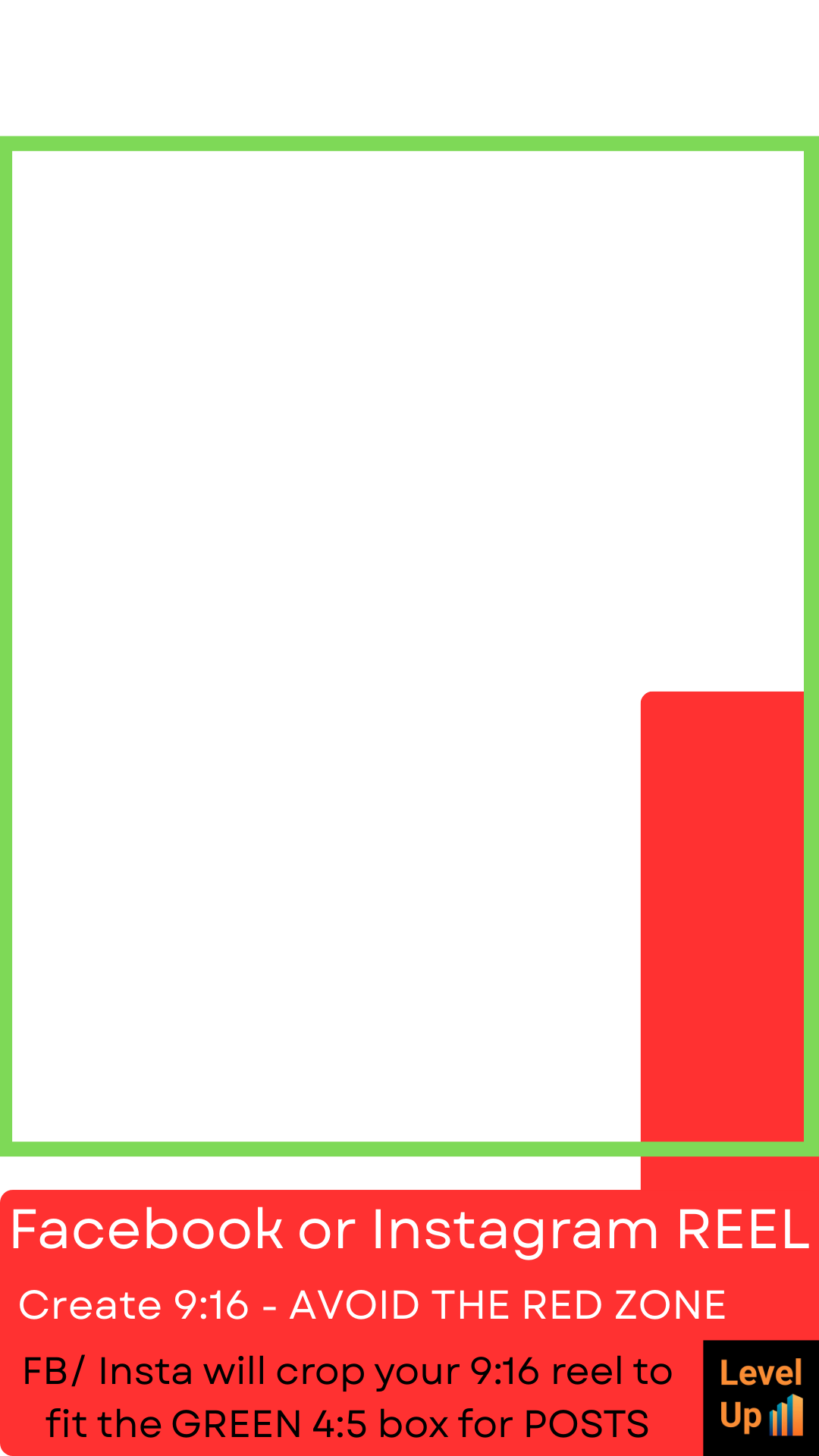
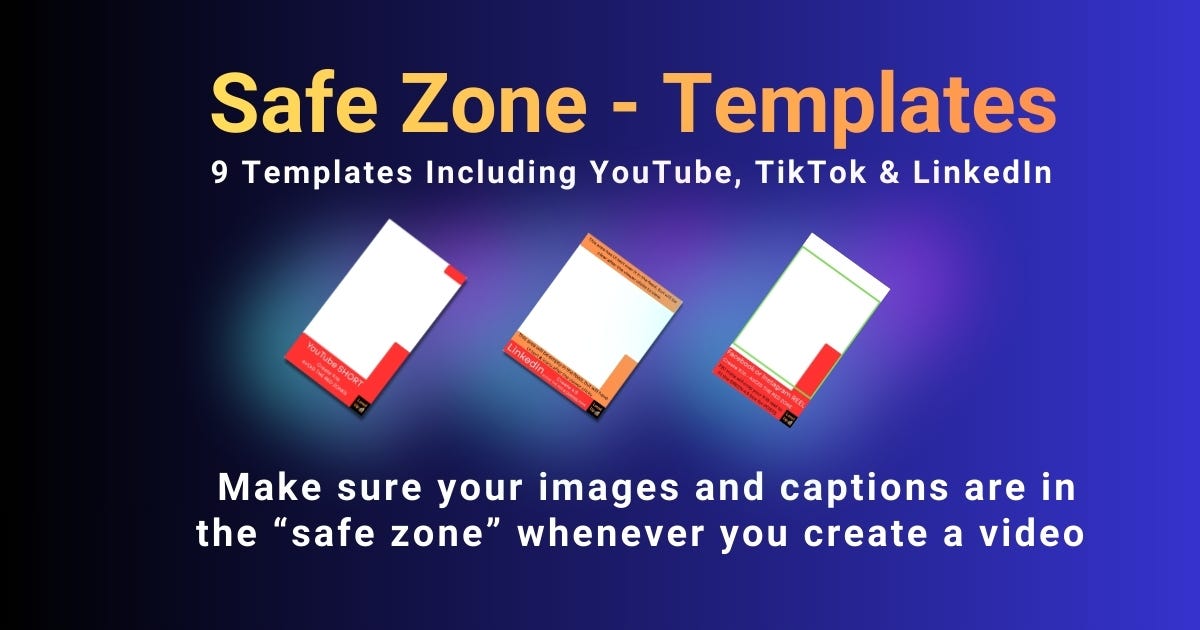
Content creators often spend hours perfecting a video, only to find platform captions, buttons or UI elements obscuring key text or faces on TikTok, Reels or YouTube Shorts. These nine transparent overlay templates solve that problem. Drop them into Descript (or any editor) to visualise safe areas across seven platforms, ensuring your visuals stay clear and professional.
Quick download instructions
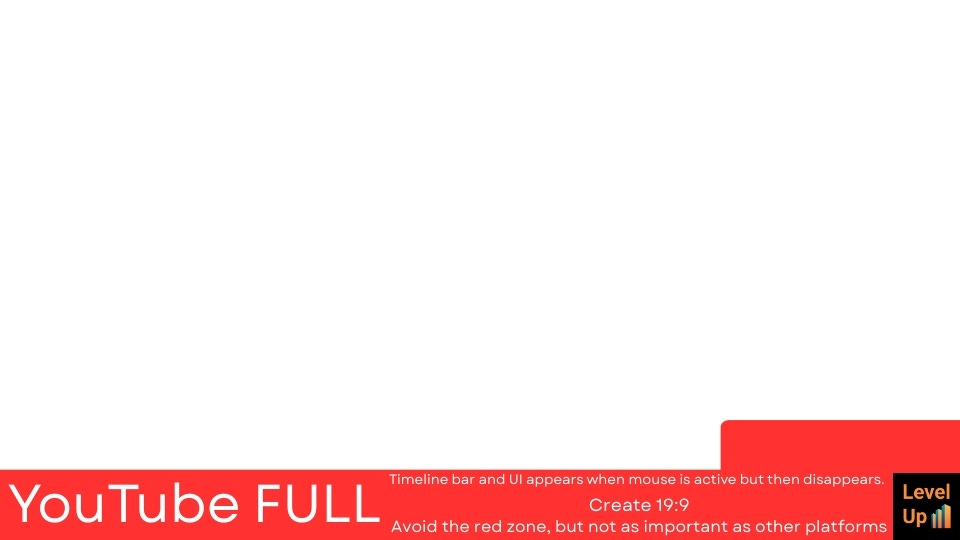
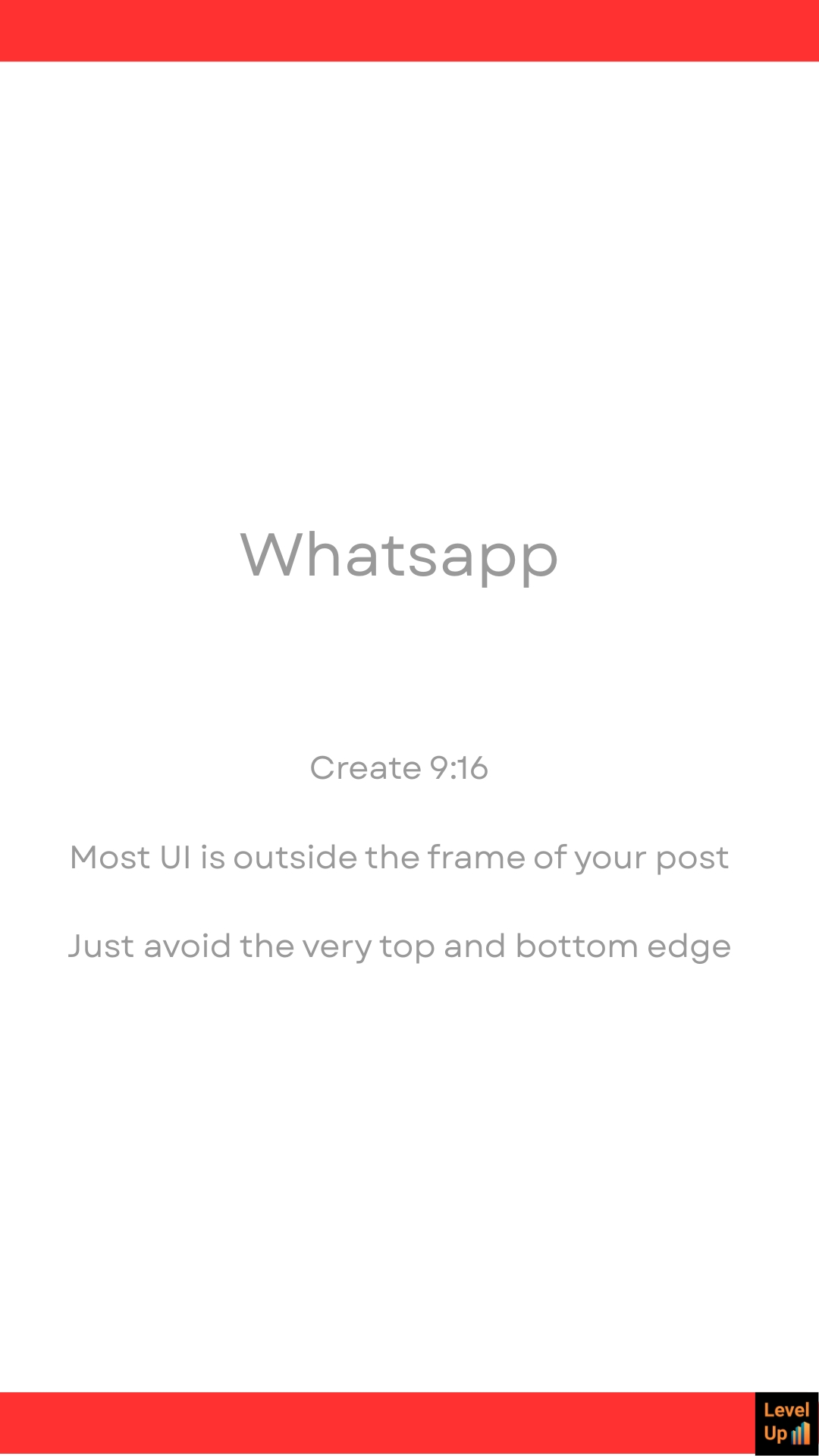
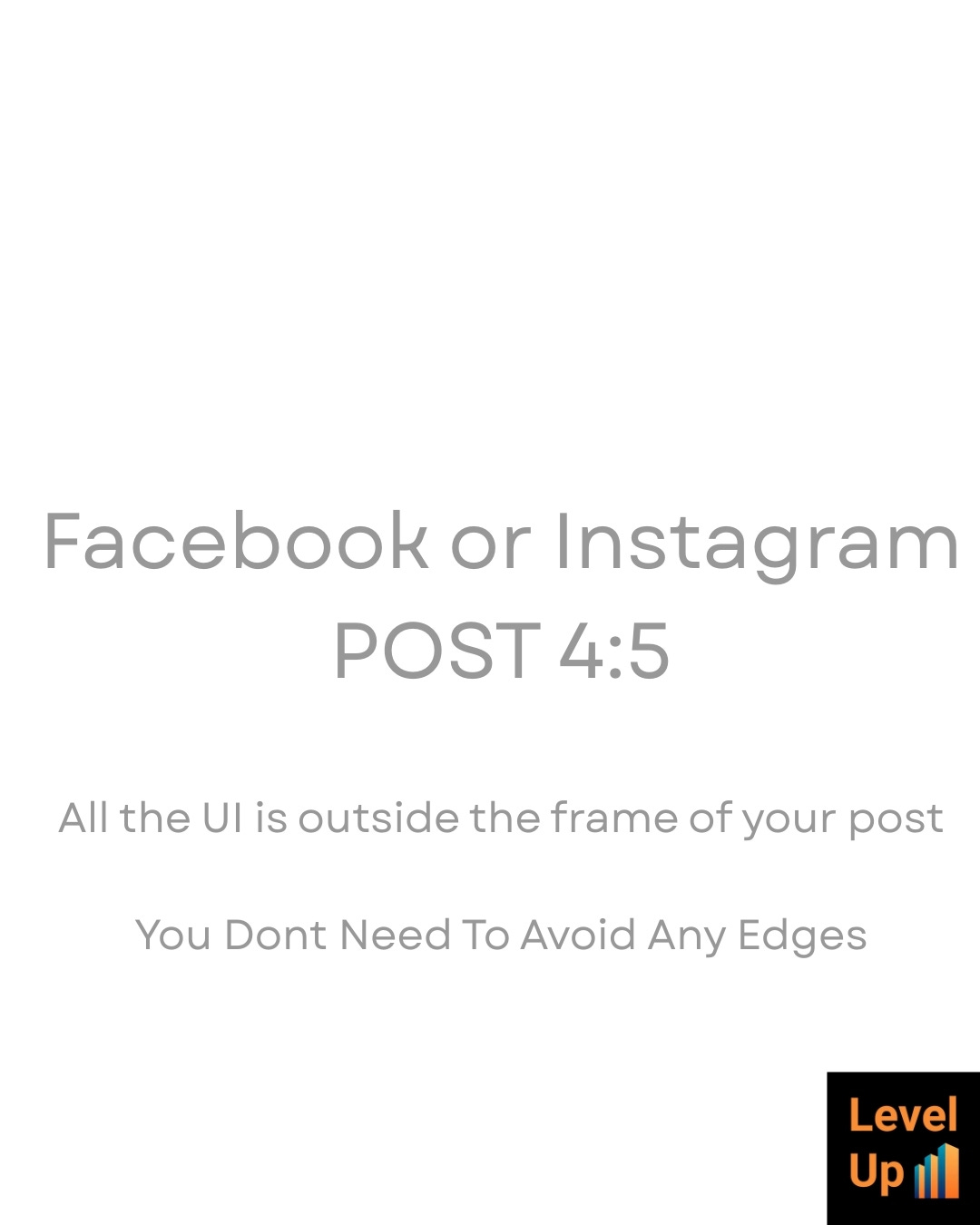
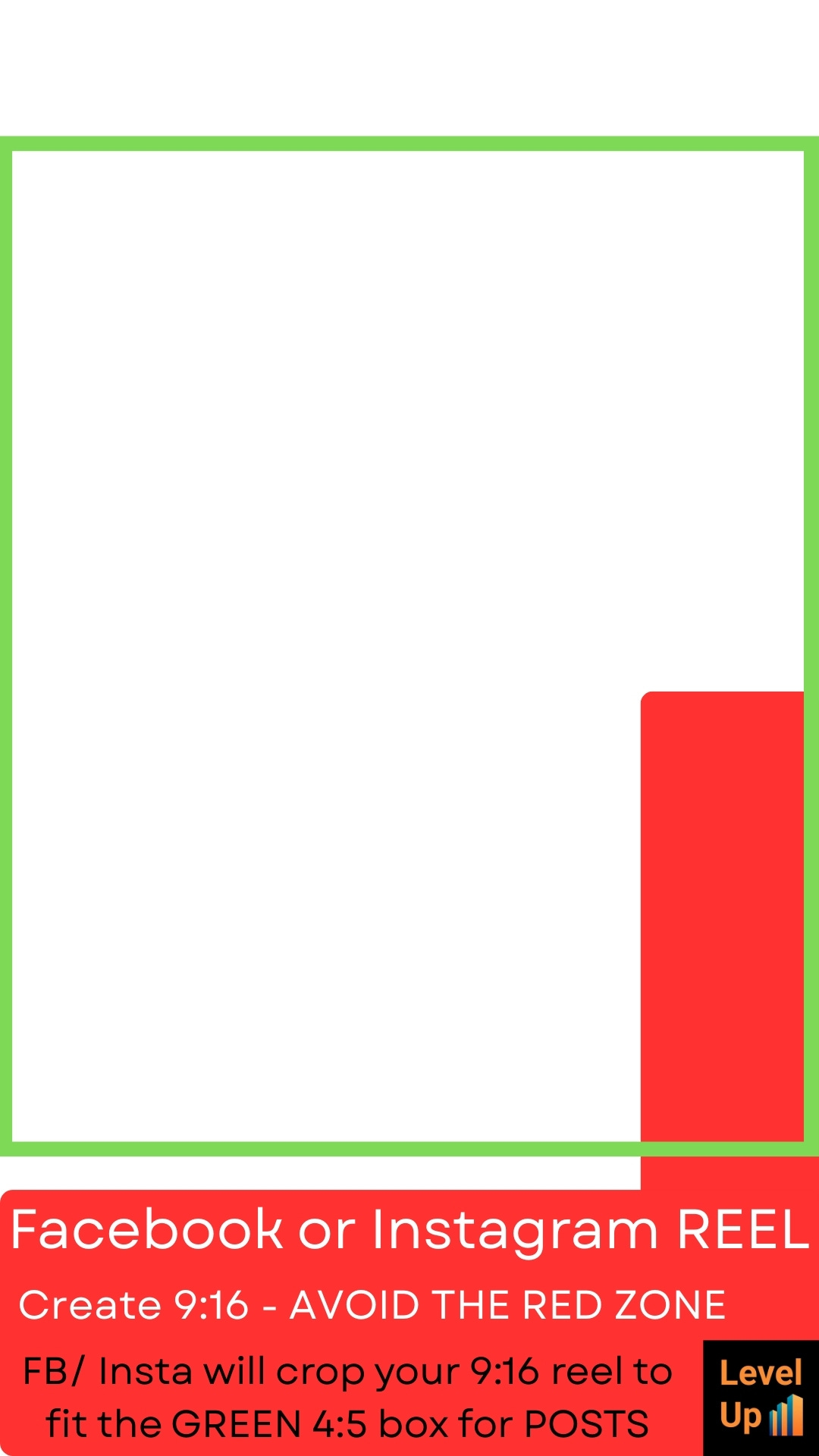
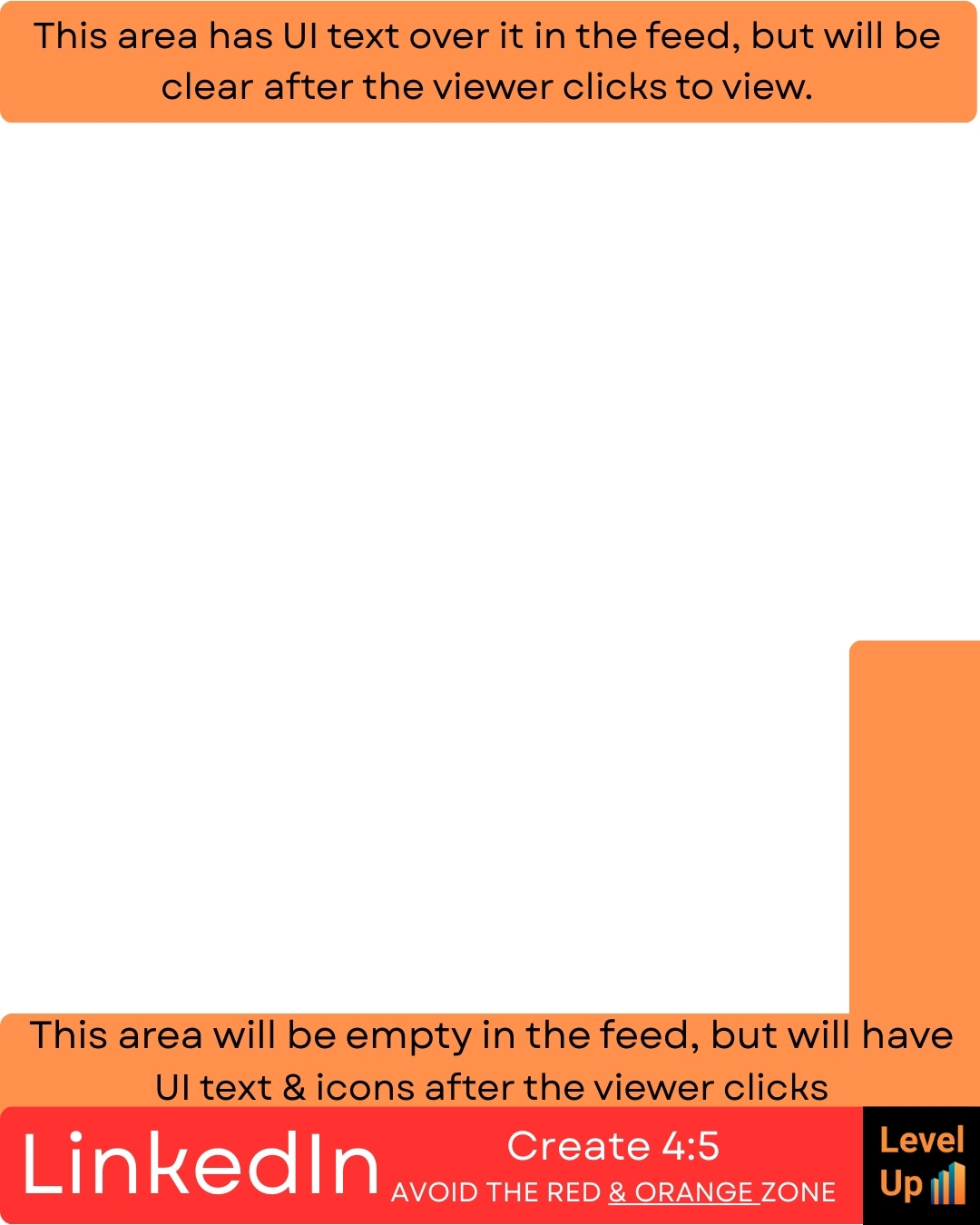
Click on the imagres below for the free files (9 JPEGs & 9 clear PNGs).
How to use the overlays: step-by-step guide
Each of the nine templates covers a specific platform layout. Use the PNG version (transparent) for clean layering or JPEG (solid background) if you prefer high contrast. Here is how to apply them in Descript or similar editors.
Import the overlay: Drag the PNG/JPEG into your project as a new image layer on the topmost track.
Align and scale: Match it to your canvas resolution (e.g. 1080x1920 for vertical). Centre it precisely.
Lock the layer: Right-click the layer and lock it to avoid accidental moves.
Edit with confidence: Position faces, text and graphics outside marked danger zones (red/caption areas, button spots).
Export clean: Hide or delete the overlay track before rendering.
Platform-specific tips
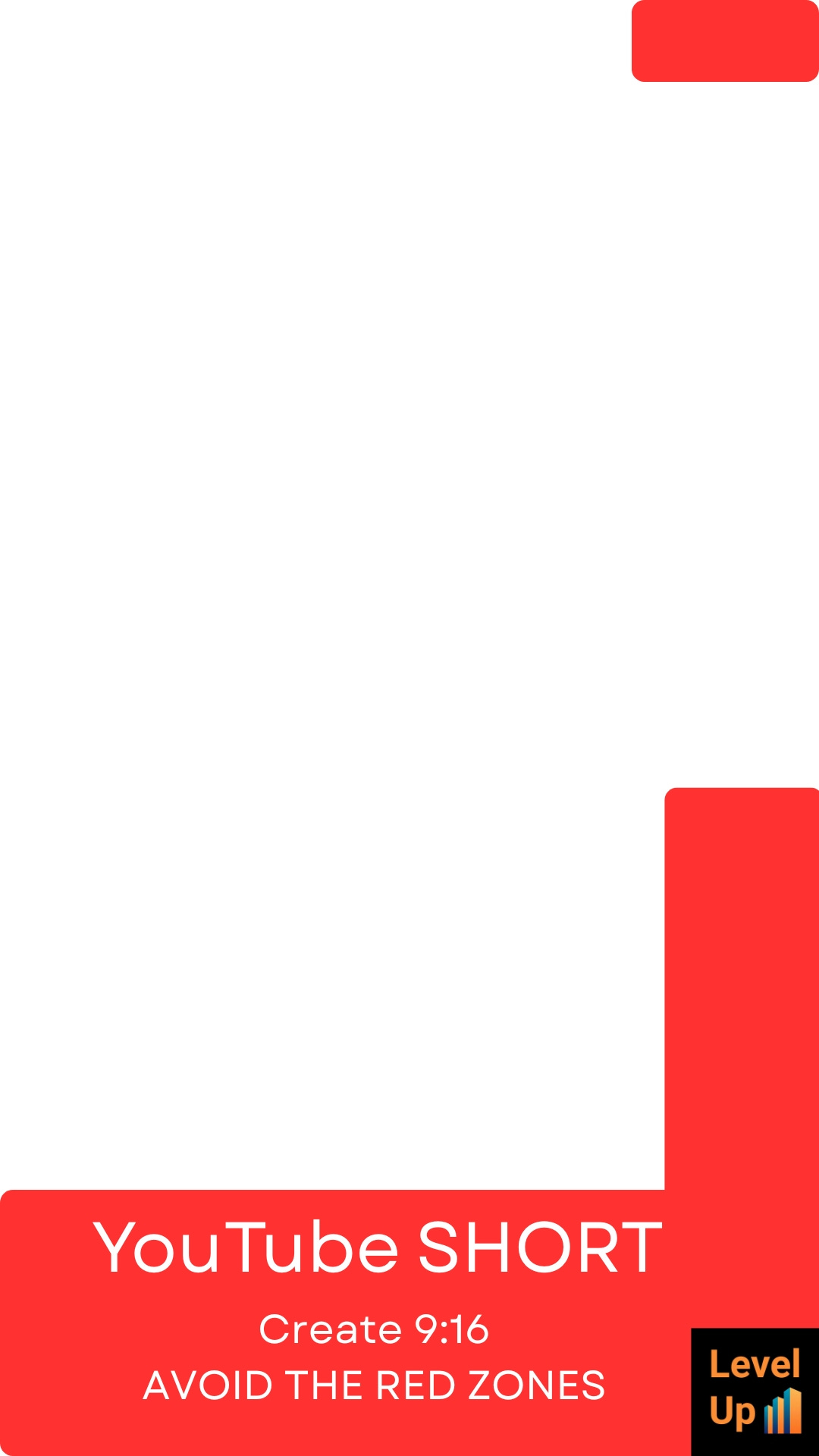
YouTube Shorts/standard vertical: Keep titles above the bottom 20% (captions) and avoid the top 10% (profile/swipes). Centre faces in the middle 60%.
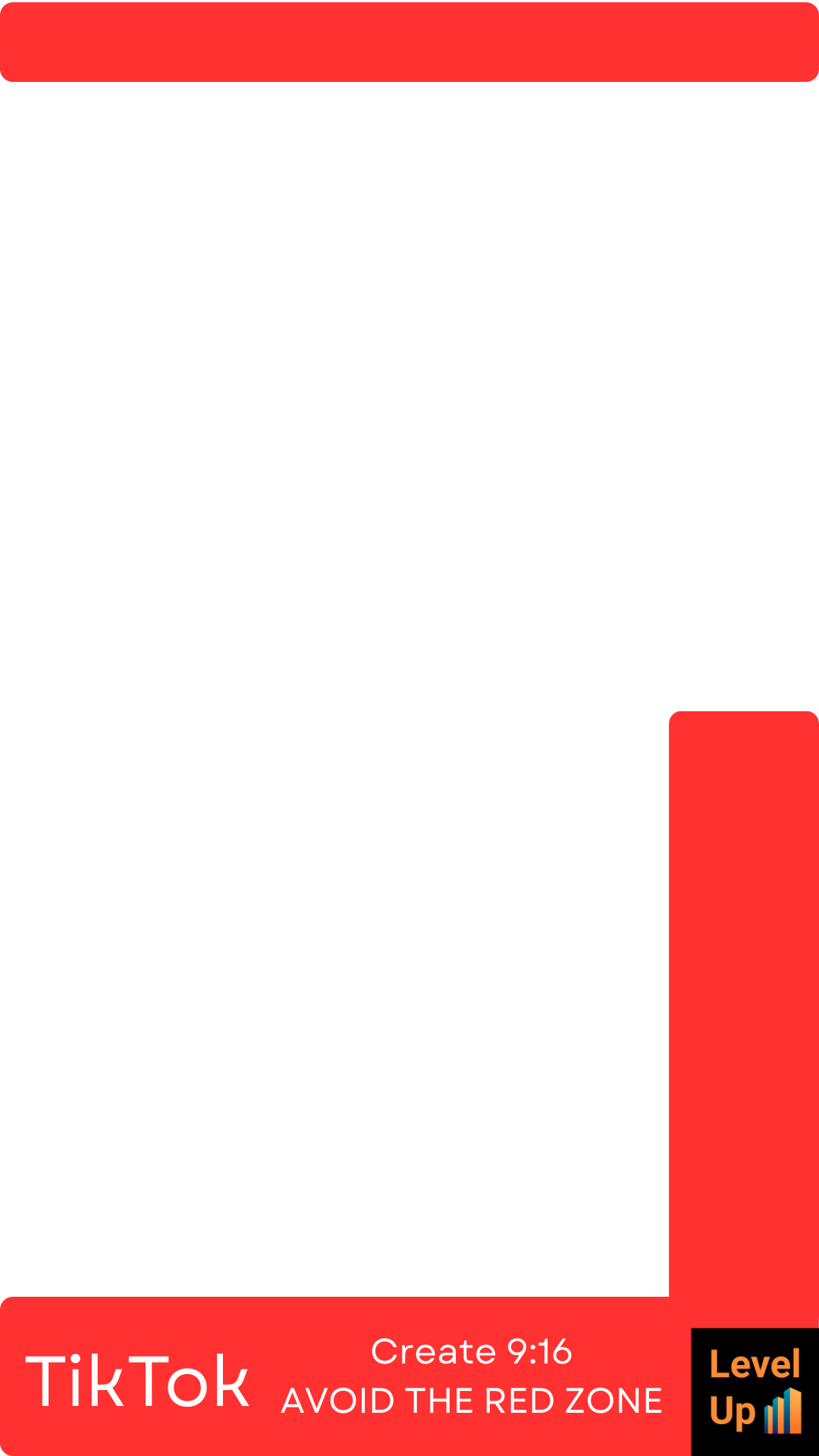
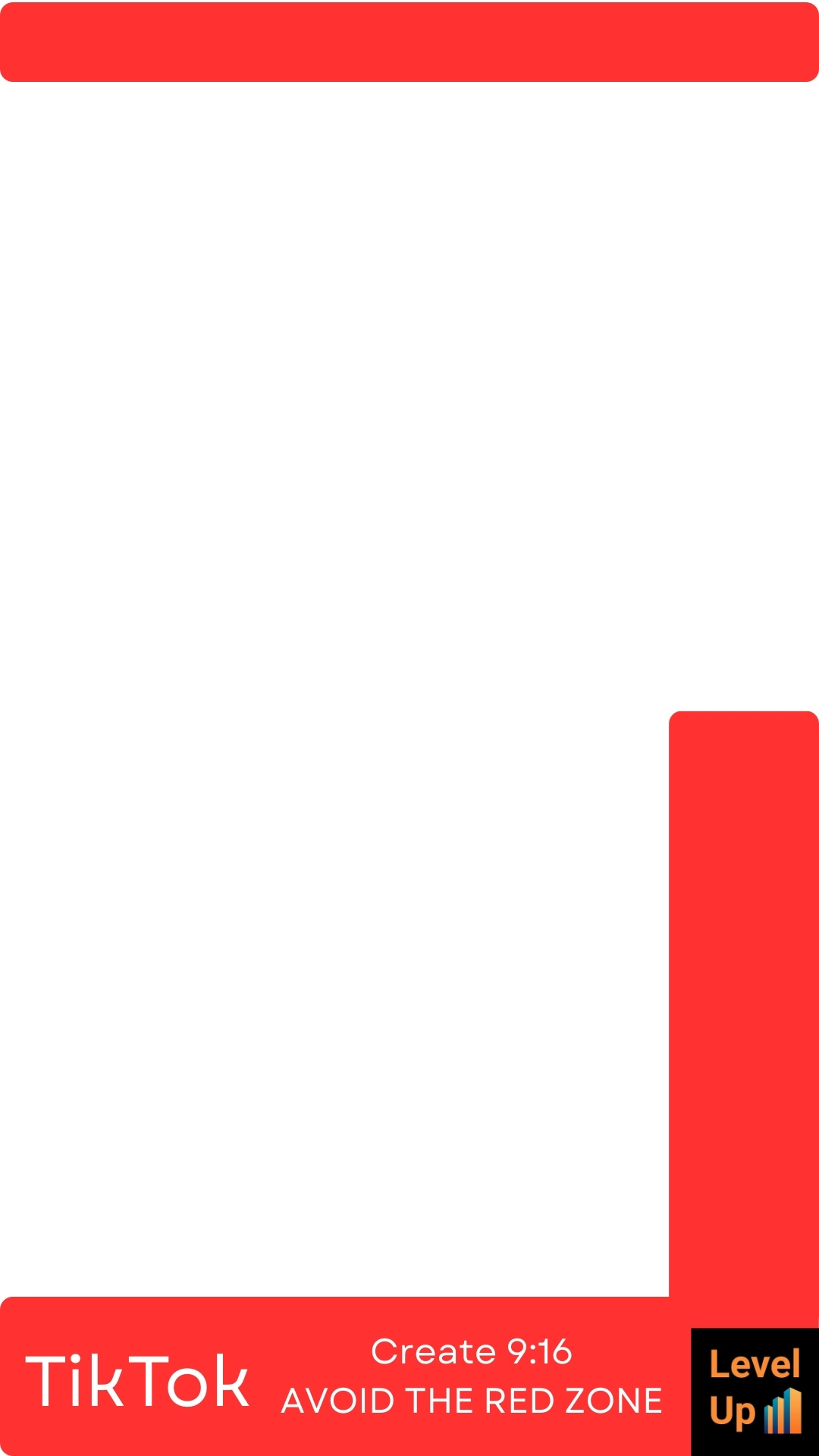
TikTok: Danger zones intensify at bottom 25% (comments/duet button) and sides (swipe gestures). Safe CTAs go mid-to-upper screen.
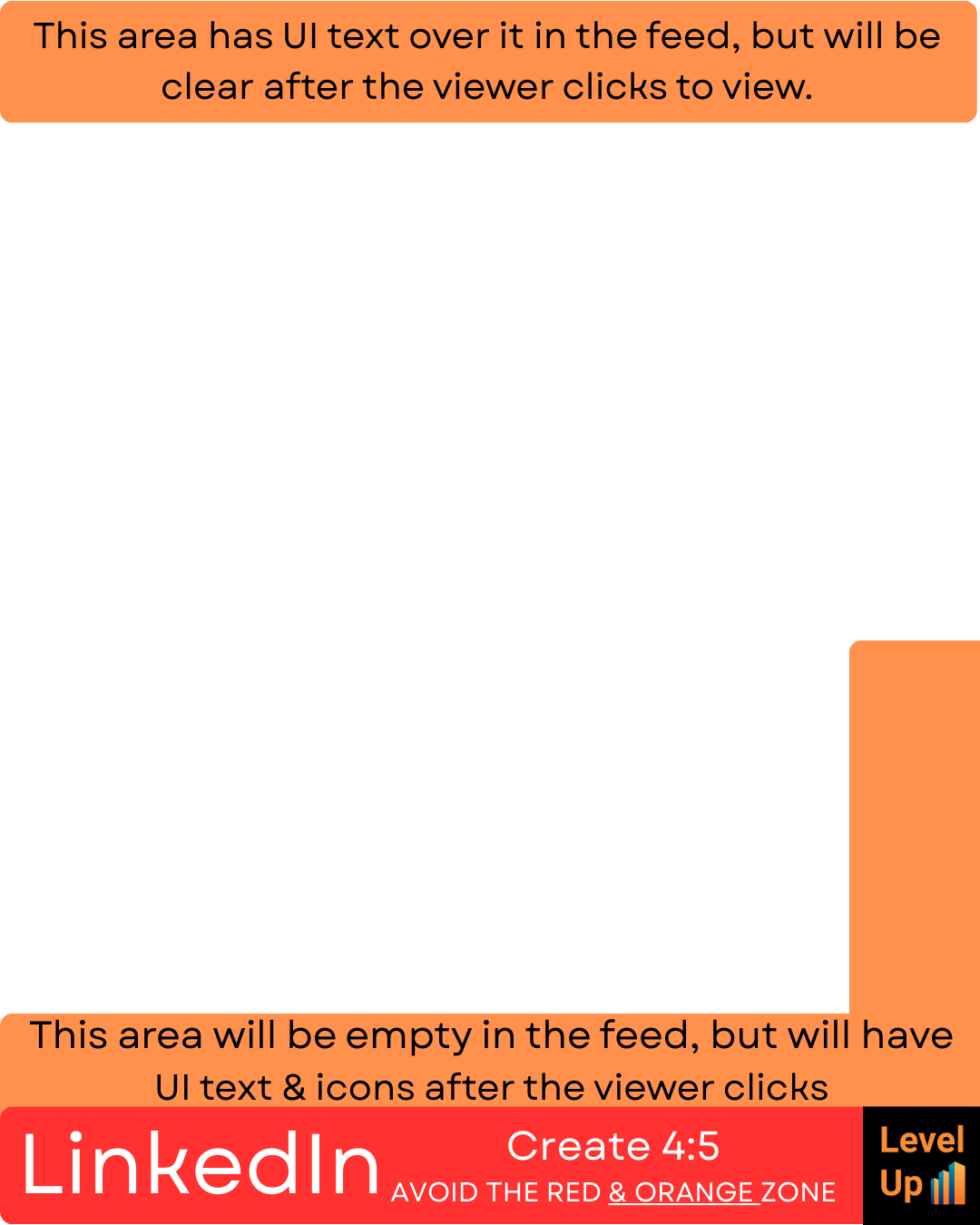
LinkedIn video posts: Bottom 15% often holds reactions; top safe for logos. Frame speakers in the central third.
Instagram Reels/feed: Captions claim bottom 20%; Stories add top bar. Use upper half for hooks, lower for text if minimal.
Facebook Reels/Stories: Similar to Instagram but watch for wider comment bars at bottom 25%. Centre content vertically.
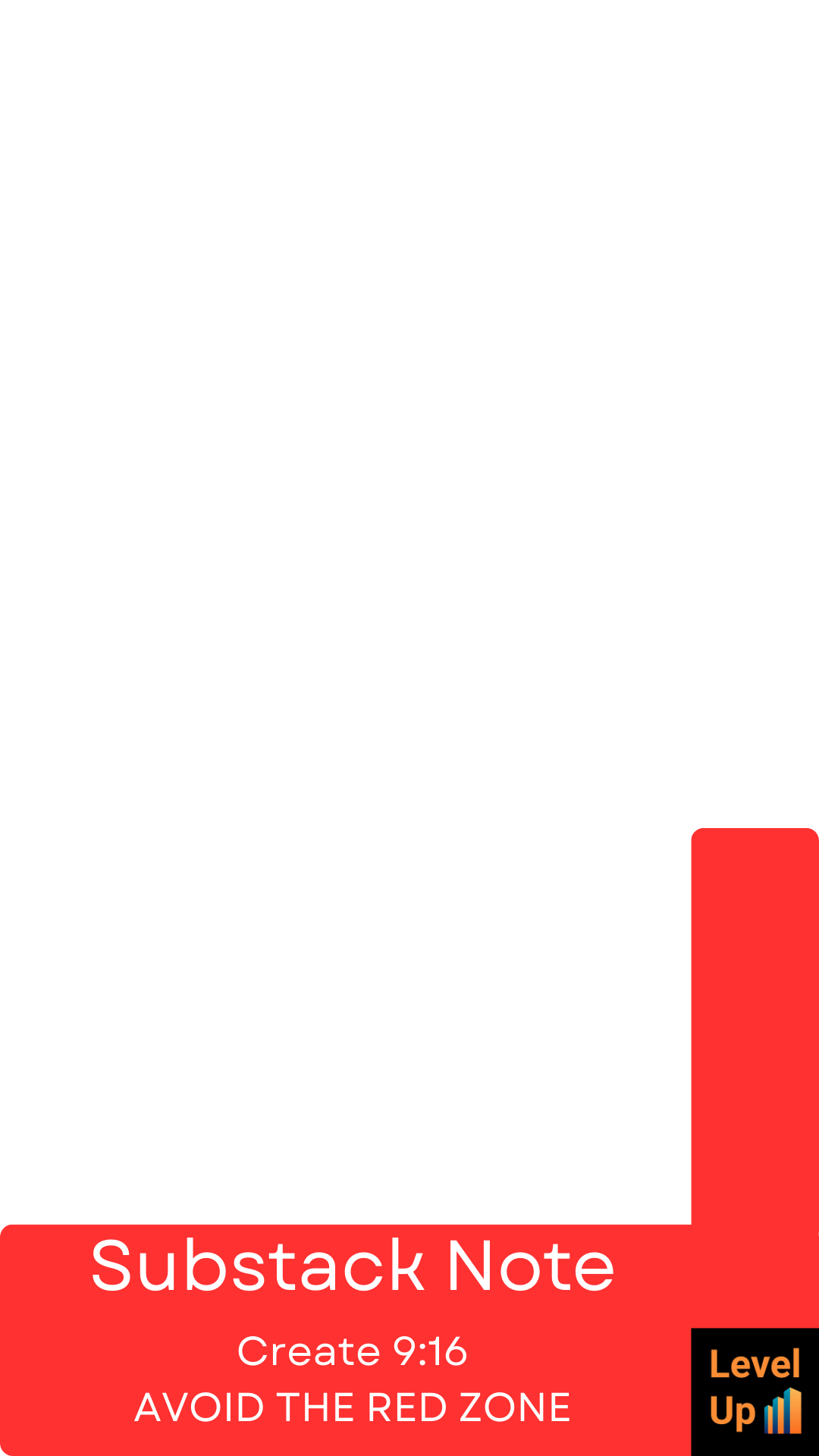
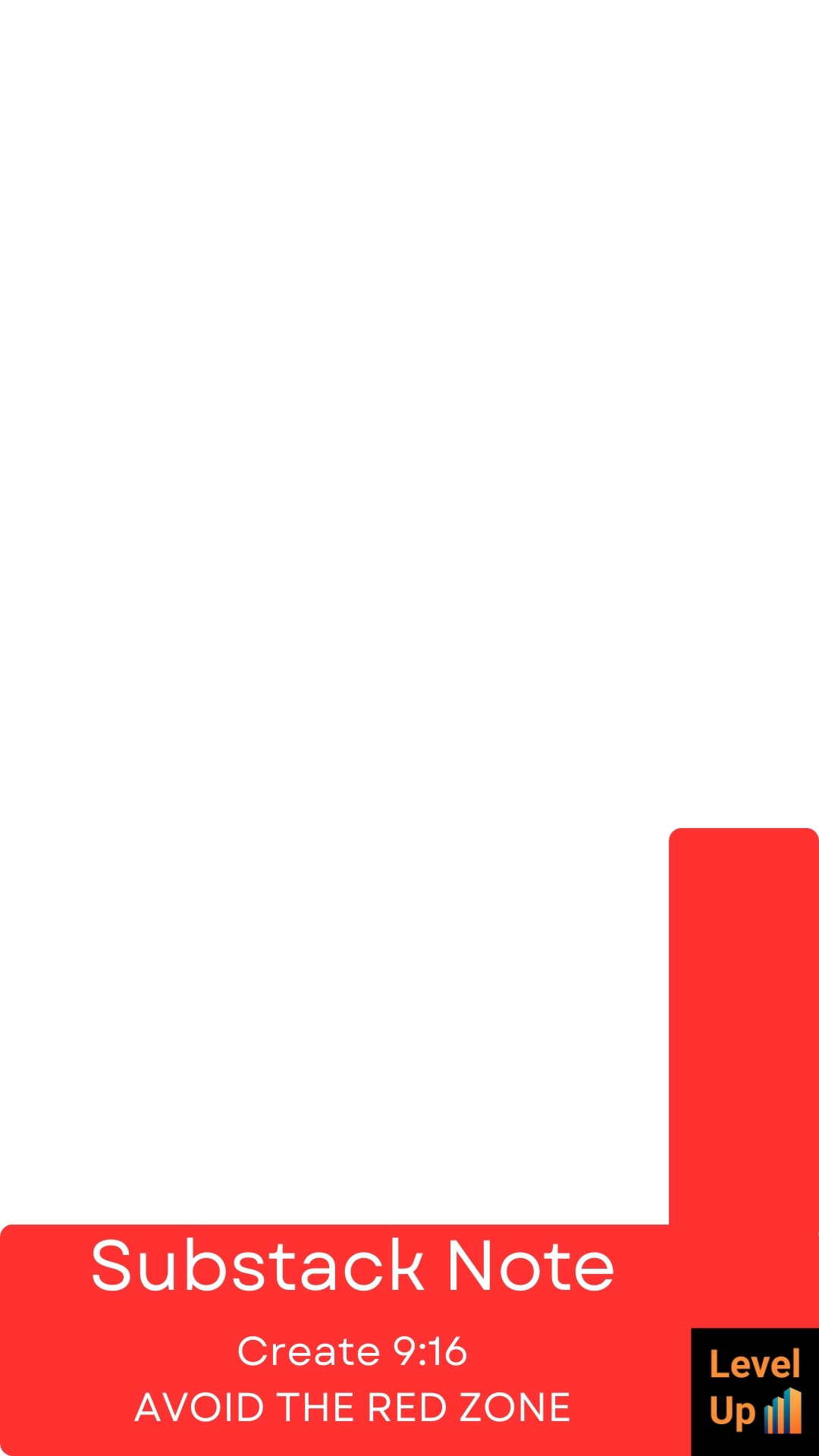
Substack video embeds: Minimal UI but avoid bottom 10% for mobile play controls. Full bleed safe on desktop.
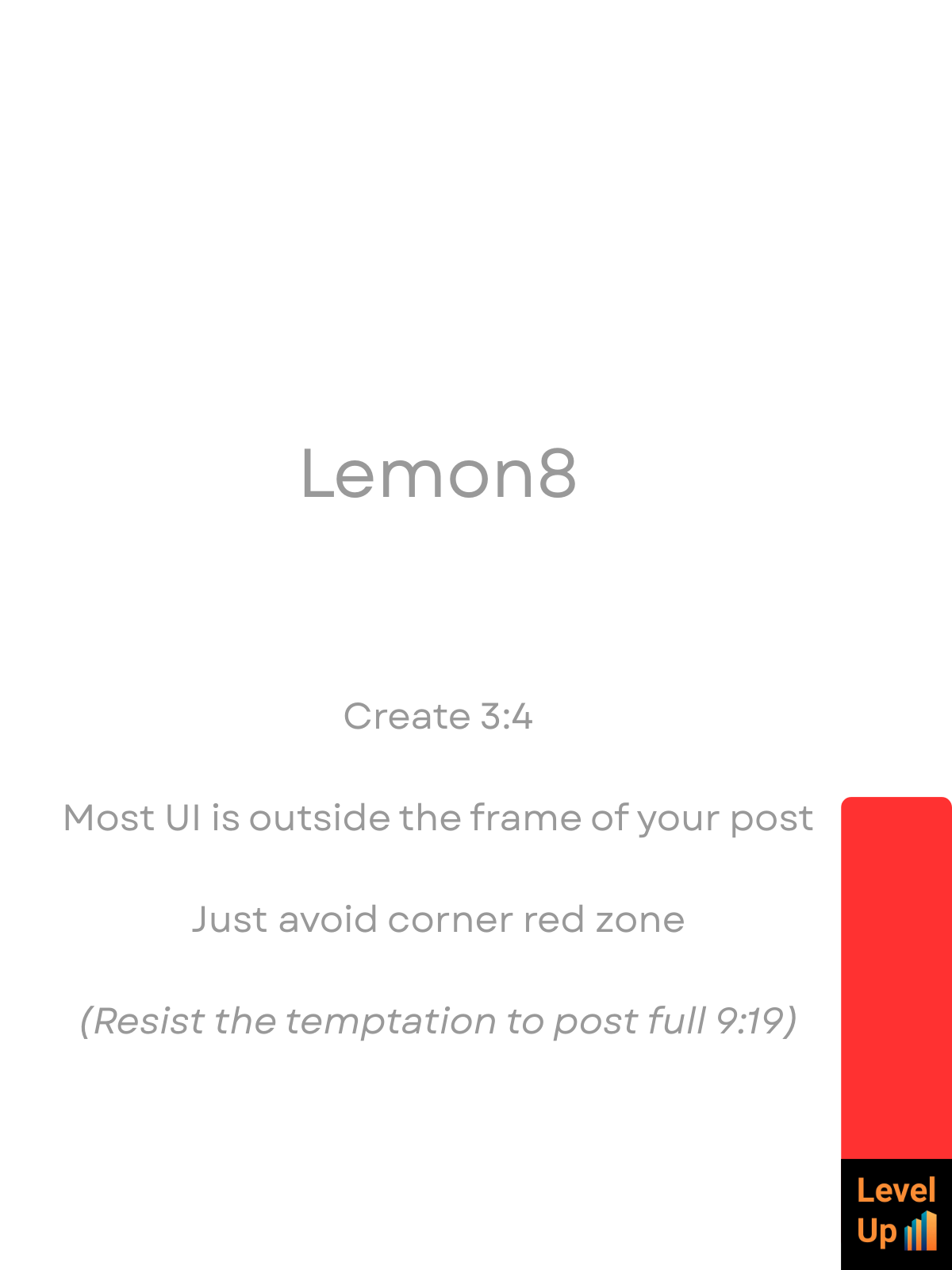
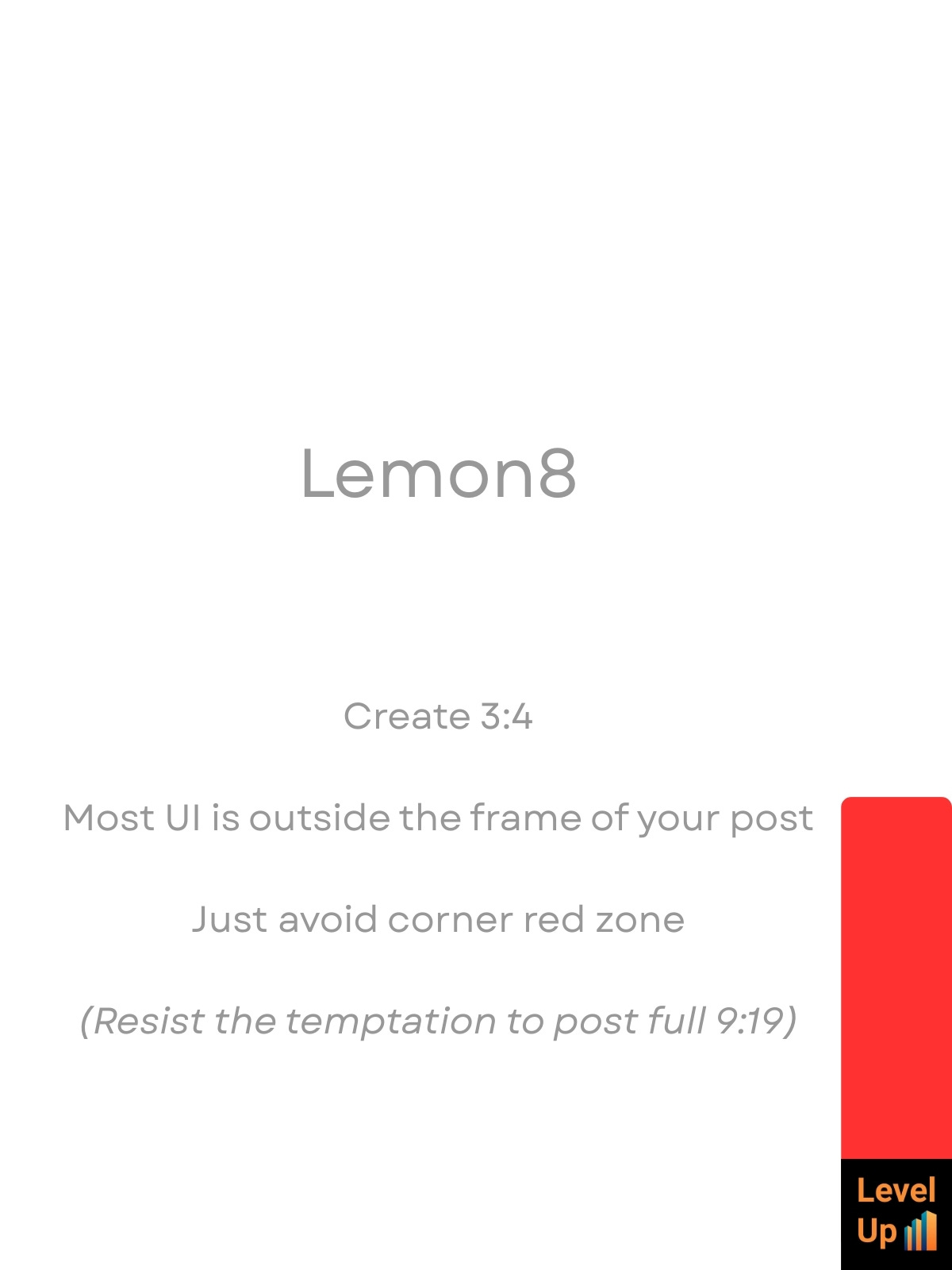
Lemon8 vertical: Emerging platform; bottom 20% for likes/comments, top for follows. Mirror TikTok framing.
These guides adapt to slight UI changes, but check latest specs for precision.
I have produced short YouTube tutorials for these workflows. Check them out here:
https://youtube.com/playlist?list=PLZOYR5U9KRx4zQHYxmk9-GMMY2sa35pI_

and subscribe to the YouTube channel for leadership, AI and disruption insights.
Free non-commercial licence for levelupleadership.uk subscribers
Released under Creative Commons Attribution-NonCommercial 4.0 (CC BY-NC 4.0). Free for personal, non-monetised use. No client or paid work.
Commercial upgrade
If you intend to use these templates for paid work, client projects or revenue generation, please click the honesty button below and purchase a commercial licence for £9.
JPEGs
PNGs